File exports from Odoo, EDI included
File Export Studio produces the files your partners expect, logistics provider, carrier, accounting firm or platform, from any Odoo object. You see the file on screen before generating it, line by line.
What sets it apart
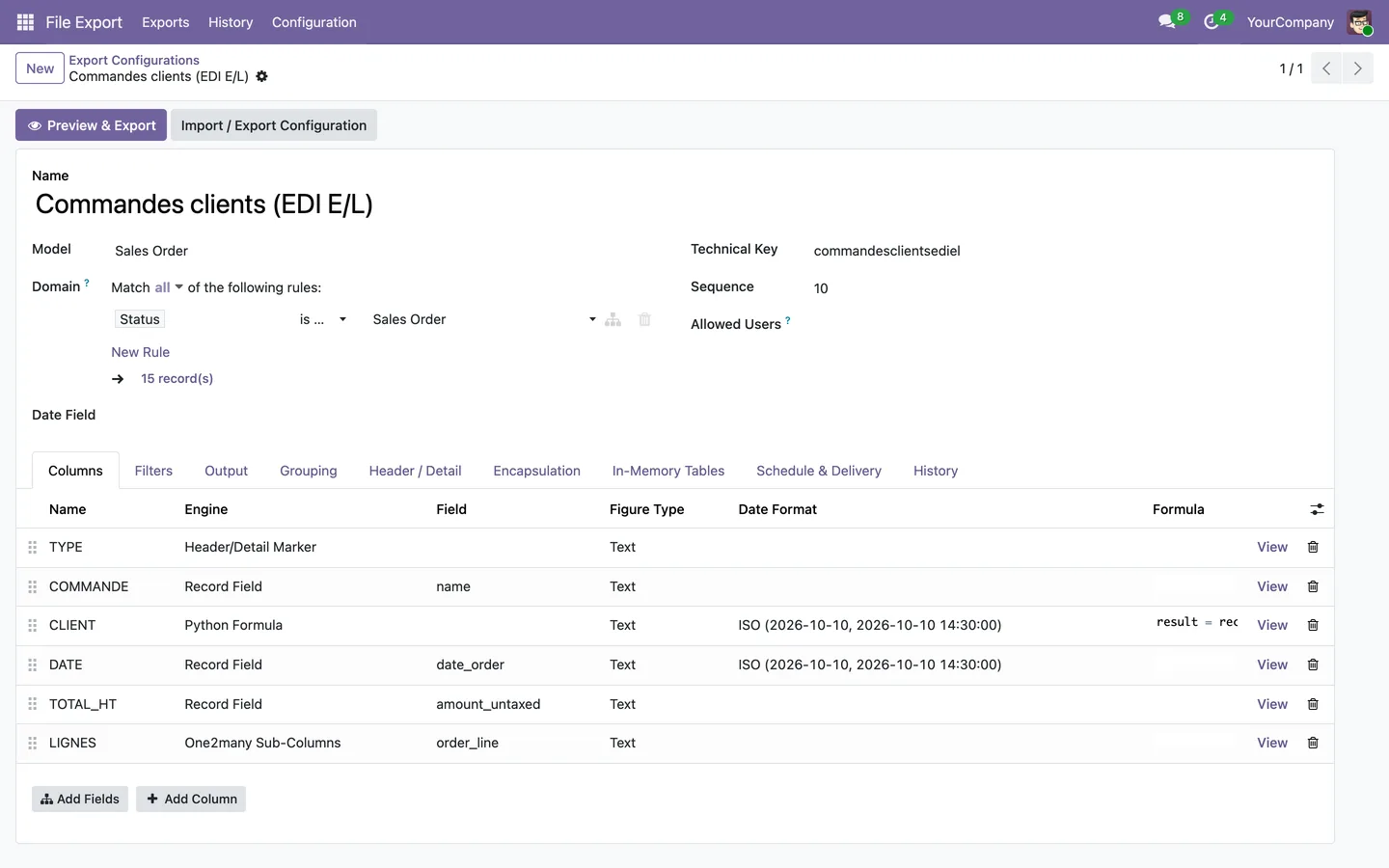
The flat EDI file, configured
Header and detail lines (E/L), encapsulation of each line, preamble, counters and file numbers: the format a partner imposes is configured, without development.
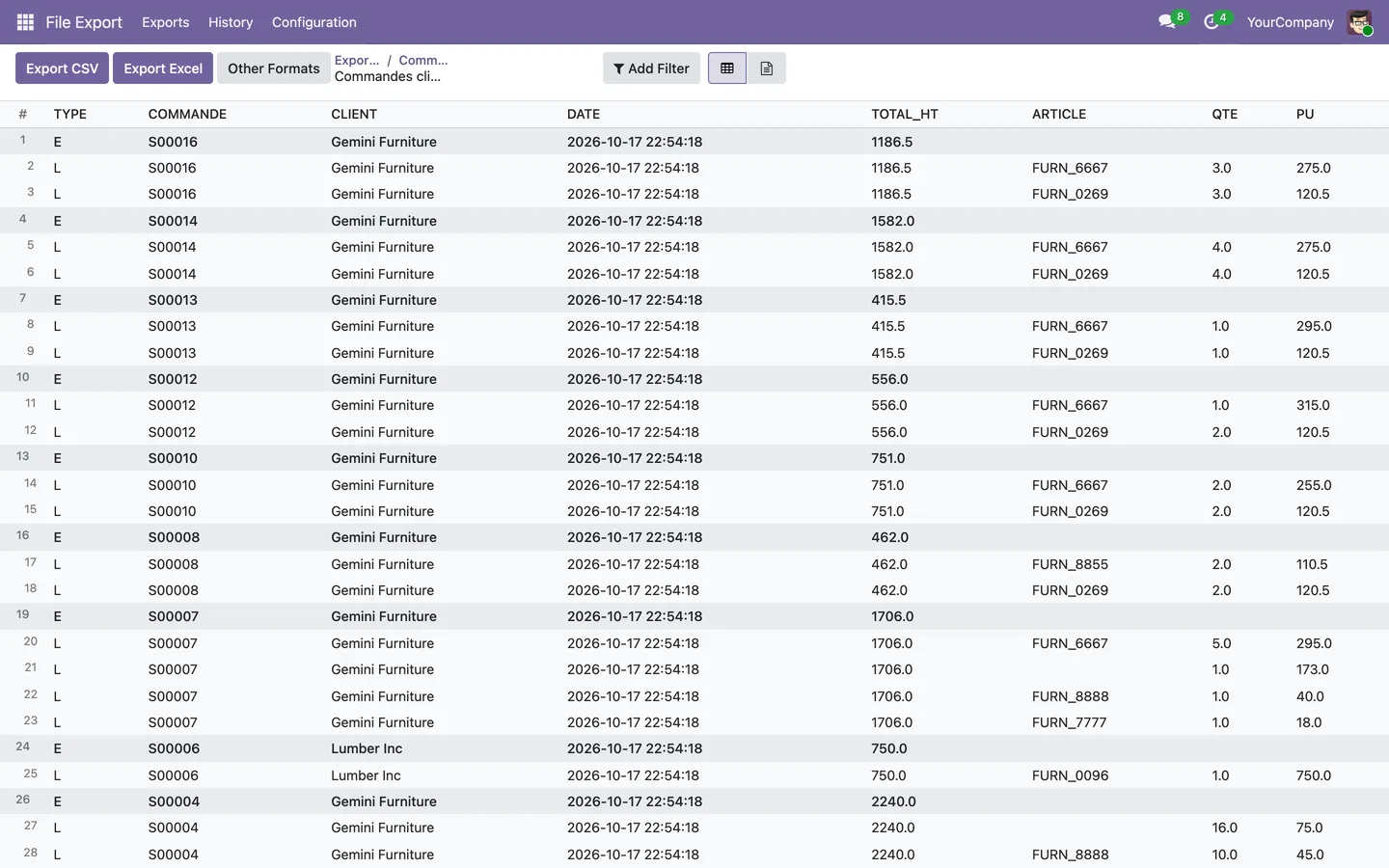
The preview is the file
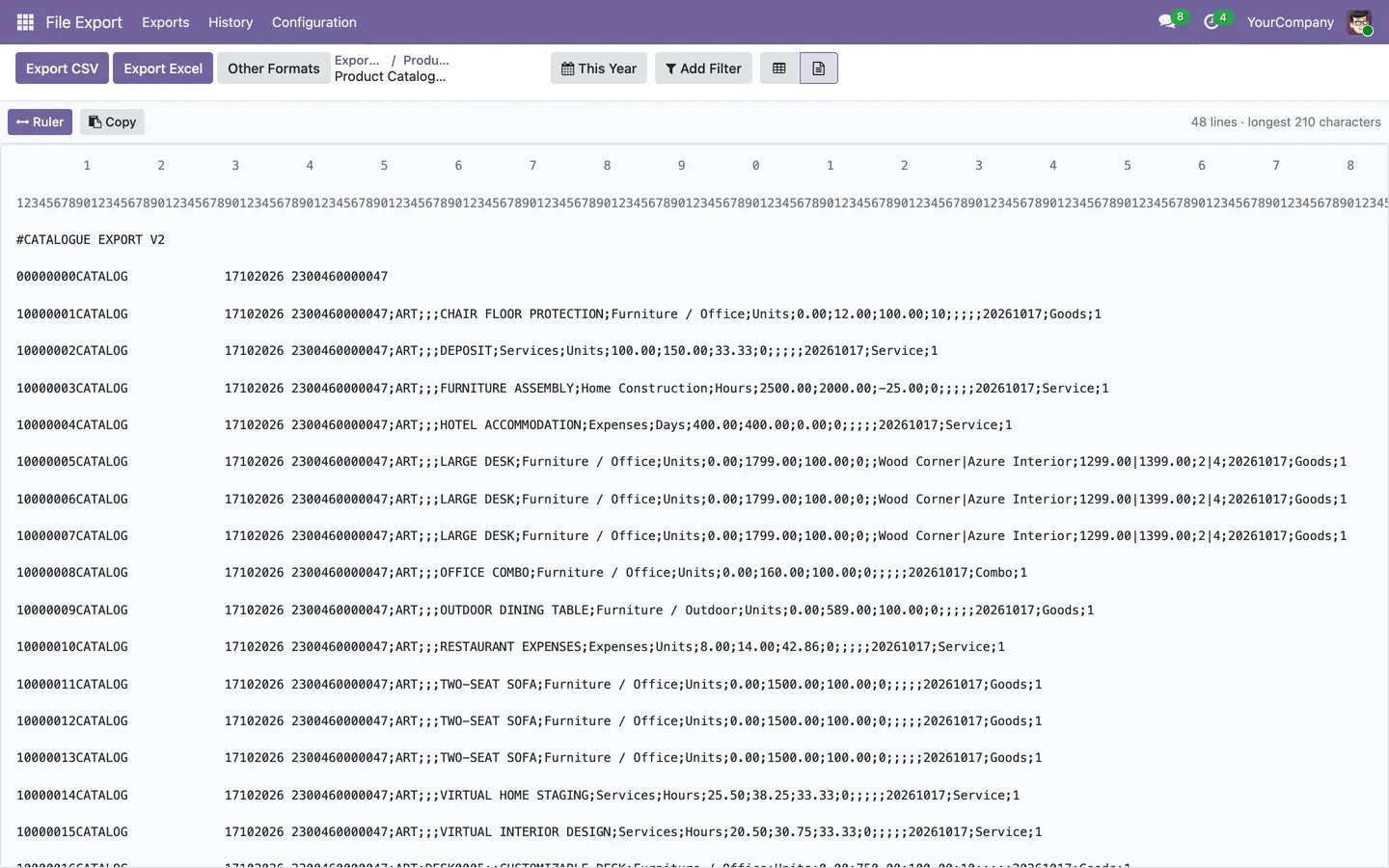
The screen shows the whole selection, and the raw view shows the exact characters of the file, with a ruler for positions. What you see is what goes out.
Delivered on its own
Scheduled, the export goes out by email, to an FTP, FTPS or SFTP server, or to an API. Every delivery is recorded, every file stays downloadable from the history.
One column, one computation
Each column states where its value comes from: a field, a formula, a lookup table, the lines of an order, an analytic distribution, a constant or the current date. The date format and the time zone are chosen per column.
The grid preview
Header and detail lines stand out at a glance. Filters (period, domain) are chosen on screen and do not change the stored configuration.
The raw view, character by character
For a fixed-width or encapsulated file, the raw view shows the file as it will be written, with the position ruler, the length of the longest line and a copy button.
What it does
- CSV, TXT, XLSX, ODS, JSON, XML and PDF formats, with configurable separator, encoding and quoting.
- Grouping and totals per column, sorting, records already sent left out of the next exports.
- Configuration saved as JSON, to copy it from one database to another.
- Called from an Odoo server action or automated action.
- Deliveries cut on copies of the database (staging), so that no test file reaches a partner.
- Takeover of the configurations of the former file_export module.
- Odoo 19.
On request, not on the store
File Export Studio is not sold on the Odoo Apps Store: it is installed and configured for your own exports, on a quote.